

Cross Stitch Pattern Creator

 下载
下载  程序描述
程序描述
Design and generate your own custom cross stitch patterns.
Cross Stitch Pattern Creator
Includes 4 sample cross stitch patterns for free download. Activation fee is $2.99.
For best experience, use a tablet due to the typical size of cross stitch patterns.
Design unique cross stitch patterns with the Cross Stitch Pattern Creator.
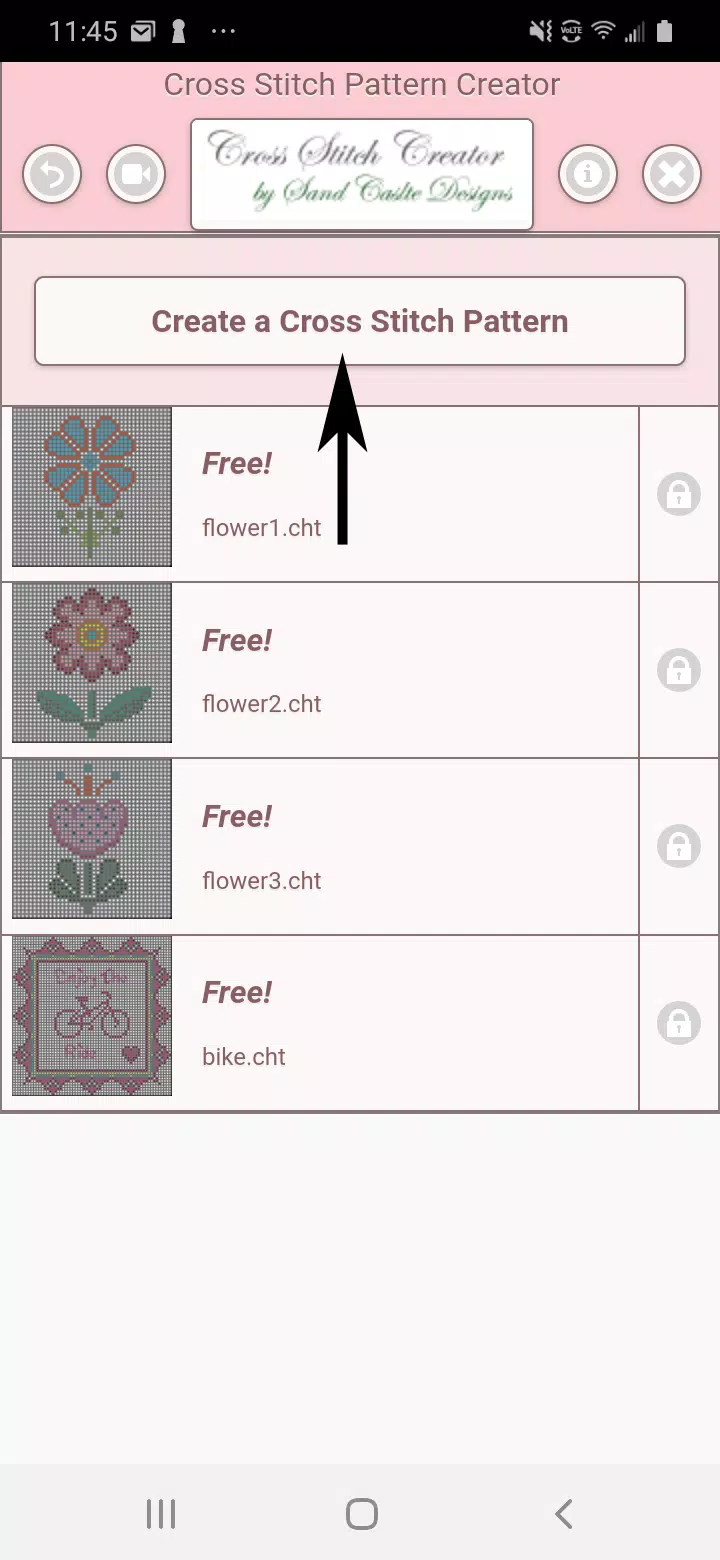
To begin creating cross stitch patterns, click the "Create a Cross Stitch Pattern" button.
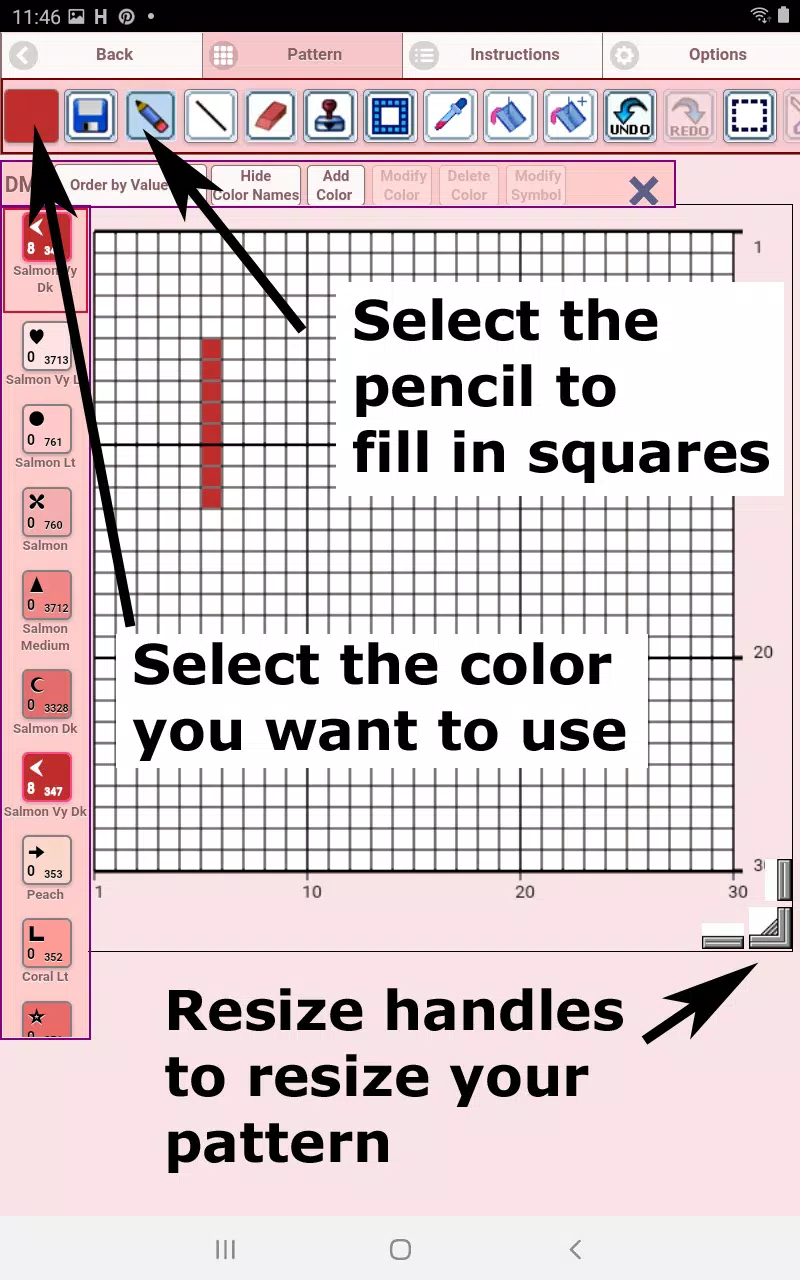
The Cross Stitch Pattern Editor will open. Fill the grid squares with your chosen DMC floss colors.
You can also add custom colors if needed.
Getting started: Use the pencil tool to mark squares in your pattern. Use the eraser to remove marks.
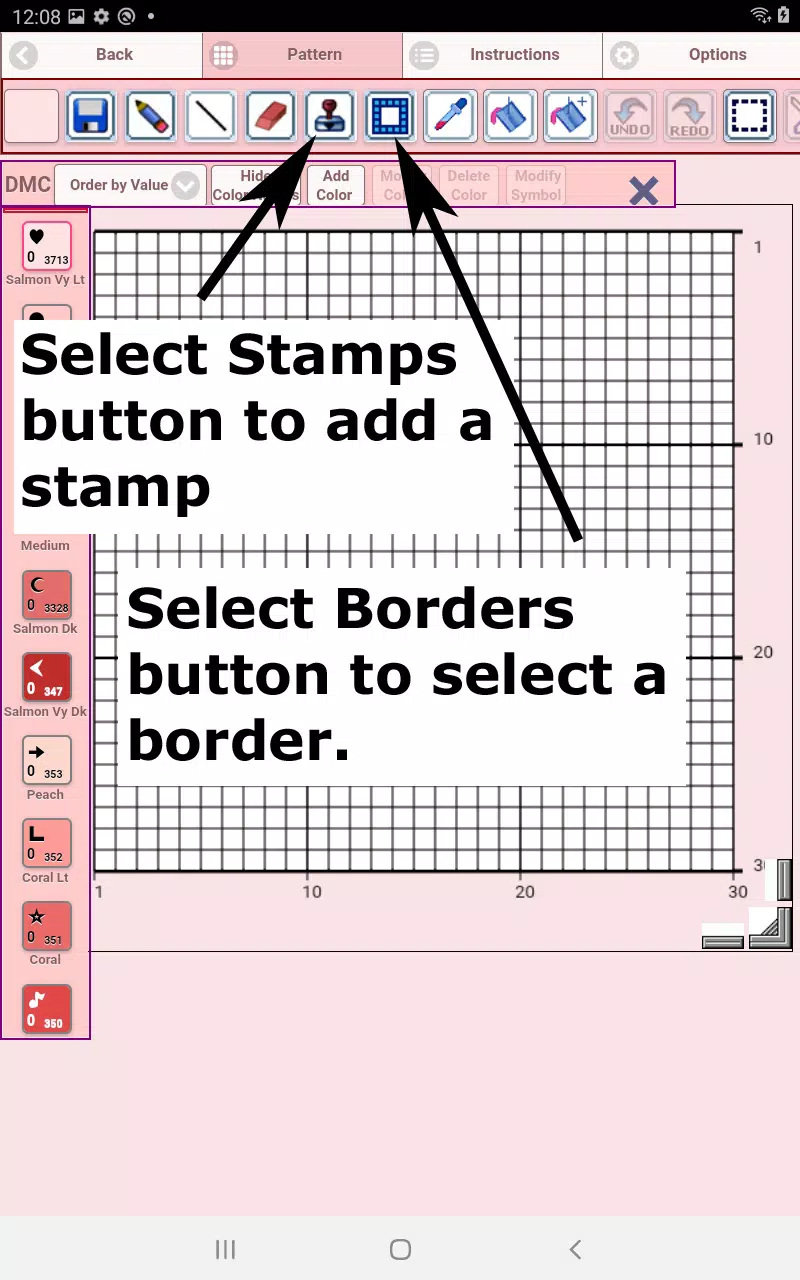
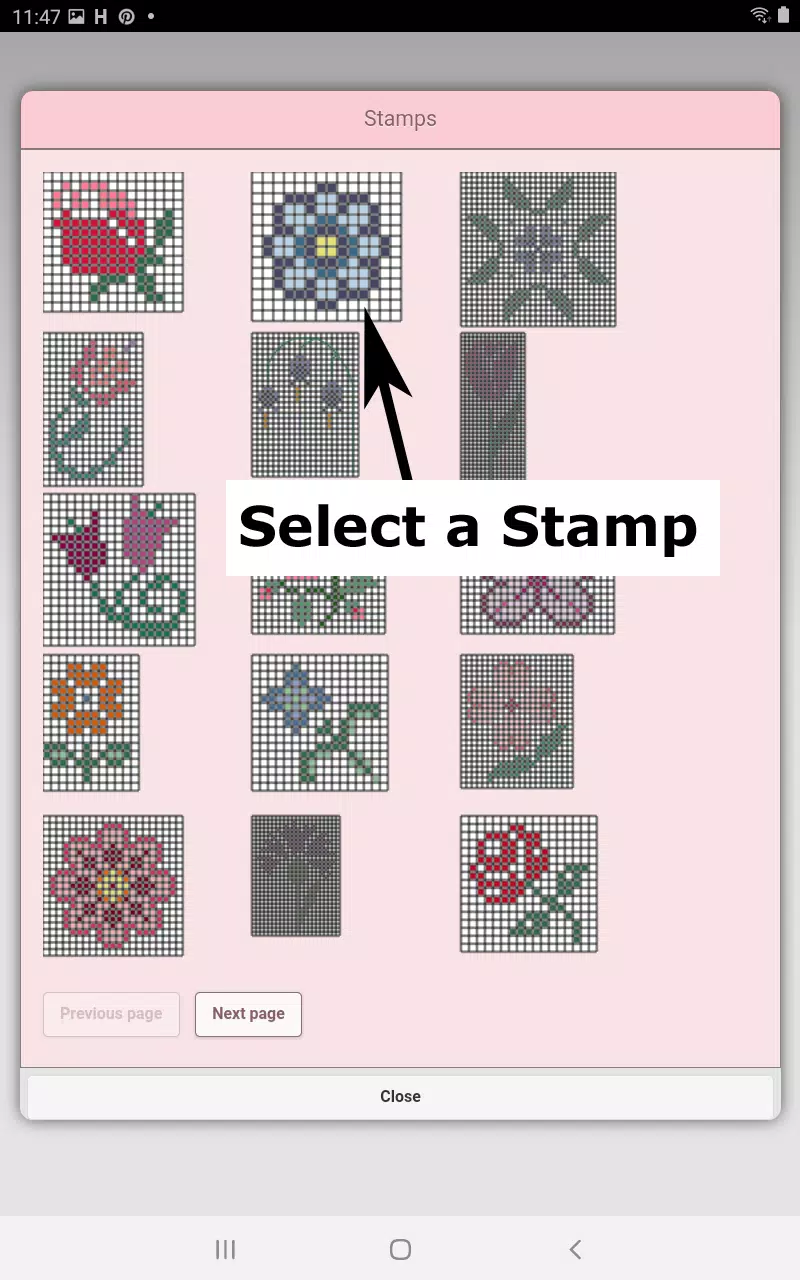
Choose from over 80 decorative stamps and borders to enhance your cross stitch pattern.
The button bar, from left to right, includes:
DMC Floss Color button - Select your desired floss color.
Save button - Save your pattern.
Pencil button - Fill individual squares on your pattern.
Eraser button - Remove filled squares and backstitch lines.
Backstitch button - First choose a color, then use this button to draw backstitch lines.
Backstitch move button - Drag an entire backstitch to a new position.
Backstitch move stitch end - Select a backstitch; blue handles appear. Adjust either end as needed.
Stamps button - Access small pre-made designs to place on your pattern.
Borders button - Apply borders that automatically frame your pattern.
Dropper button - Pick a color from your pattern to use elsewhere.
Bucket button - Fill a selected area with the active color.
Bucket+ button - Replace one color with another throughout the pattern.
Undo button - Reverse your last action.
Redo button - Restore changes you previously undid.
Selection box button - Define an area to cut, copy, rotate, or flip.
Cut button - After selecting an area, cut it from the pattern.
Copy button - After selecting an area, copy it to the clipboard.
Paste button - Paste the copied selection. Drag it to the desired spot.
Rotate button - Rotate the selected area or the entire pattern.
Flip right/left button - Flip the selection or pattern horizontally.
Flip top/bottom button - Flip the selection or pattern vertically.
Zoom in button - Enlarge the pattern view.
Zoom out button - Reduce the pattern view.
Symbols button - Show unique symbols for each color to differentiate shades.
Picture button - Upload an image from your device to convert into a pattern.
Social media button - Share your pattern via email, text, or other platforms.
Resize bars - Located at the bottom right; drag to adjust your pattern’s dimensions.
Option settings - Customize grid color, switch fill style between Solid and X's, or hide the row/column counter.
Instruction page - Lists DMC colors used and final sizes for different Aida cloth counts.
Finished Product page - Preview your completed cross stitch. You can also adjust the fabric color.
截图
 用户评价
发表评价+
用户评价
发表评价+

 下载
下载



 同类推荐
更多+
热门新闻
更多+
同类推荐
更多+
热门新闻
更多+

-
 Roblox Custom PC Tycoon:最新代码(2025 年 1 月)
Jan 27,2025
-
 如何获得Minecraft中的Armadillo Scut
Apr 16,2025
-
 Pokémon Sleep:Clefairy 在良好睡眠日带来安宁睡眠!
Dec 18,2024
-
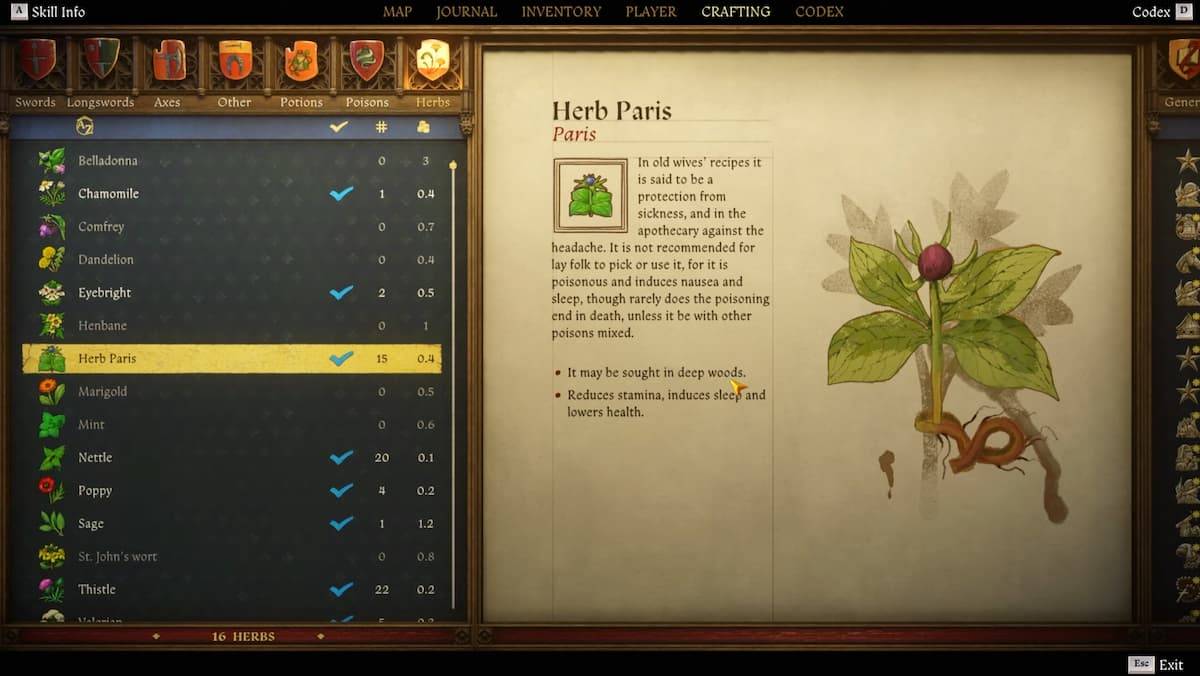 🌿发现隐藏的宝藏:解锁在王国中找到巴黎的秘密来拯救2
Feb 21,2025
专题
更多+
Trending apps
更多+
-
1
Radar Donostia3.8 MB
多诺斯蒂亚-圣塞巴斯蒂安移动雷达位置 快速找出今天移动测速雷达在多诺斯蒂亚-圣塞巴斯蒂安的位置。 获取每日通知,详细说明将部署雷达的街道,或者当天是否不会使用雷达。
-
2

zFont 3 - Emoji & Font Changer10.13 MB
使用 zFont 3 Premium APK 释放个性化文本的力量! 厌倦了移动设备上相同的旧字体? zFont 3 Premium APK 提供了一种革命性的移动文本定制方法,提供了庞大的字体库和风格选项来改变您的数字通信。 这
-
3

AZ Beacons24.87M
AZ Beacons 是适用于智能手机和附近设备的终极蓝牙连接解决方案,可简化您的日常技术交互。 这款创新的应用程序简化了设备配对,提供了用户友好的界面,可轻松进行连接管理。 无论何种情况,均可享受快速、稳定的连接
-
4

Web浏览器 -- 高速浏览器10.00M
Web 浏览器:安全、快速的 Android 浏览器 Web 浏览器是一款备受推崇的 Android 移动浏览器,优先考虑速度、安全性和隐私。 它针对手机和平板电脑进行了优化,提供快速、轻量级的浏览体验。 多标签浏览无缝,防止打开页面丢失
-
5

Autel MaxiAP20093.2 MB
这款先进的汽车扫描仪可为所有车辆系统提供快速、简单的诊断。 提供免费的 OBDII 诊断功能。 包括一个免费的车辆发布版本。 支持19项维护服务,包括EPB、TPMS、BMS、制动放气、DPF再生、防盗钥匙编程
-
6

کلینیک فوق تخصصی کاشت مو و ابر6.50M
发现头发和云专家诊所:由前伊朗足球队成员领导的伊朗的首要头发和眉毛移植诊所,提供了无与伦比的专业知识。 该诊所拥有超过25年的经验和正式的法国法国证书,可保证100%的头发增长
51.3 MB
下载1.4 MB
下载74.7 MB
下载29.8 MB
下载105.0 MB
下载108.8 MB
下载