

Artecture
カテゴリー:アートデザイン 開発者:Samsung R&D Institute Bangladesh
サイズ:25.9 MBレート:5.0
OS:Android 4.1+Updated:Jul 24,2026

 ダウンロード
  アプリケーションの説明
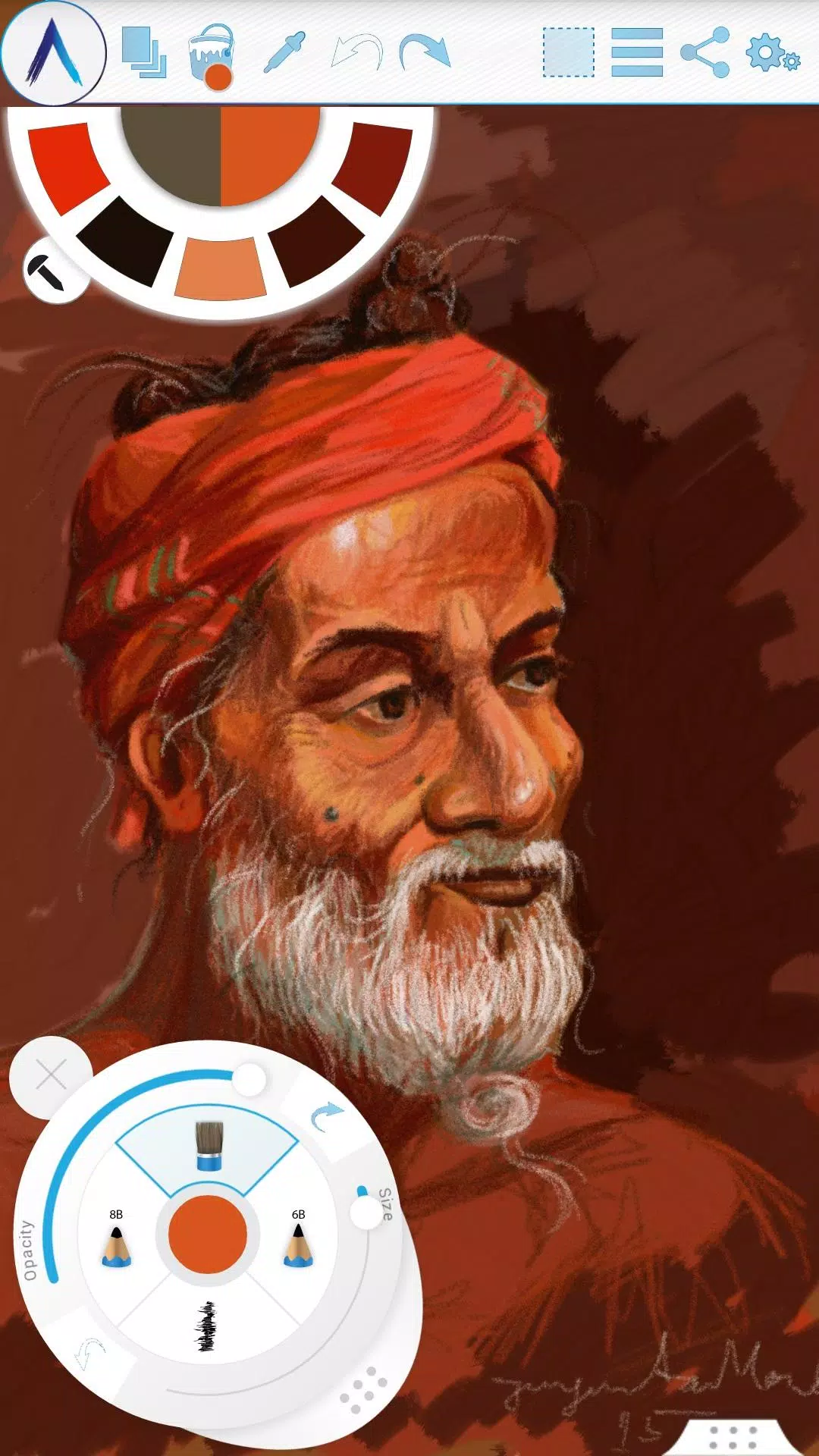
Experience sketching, drawing, and painting in a whole new way with Artecture.
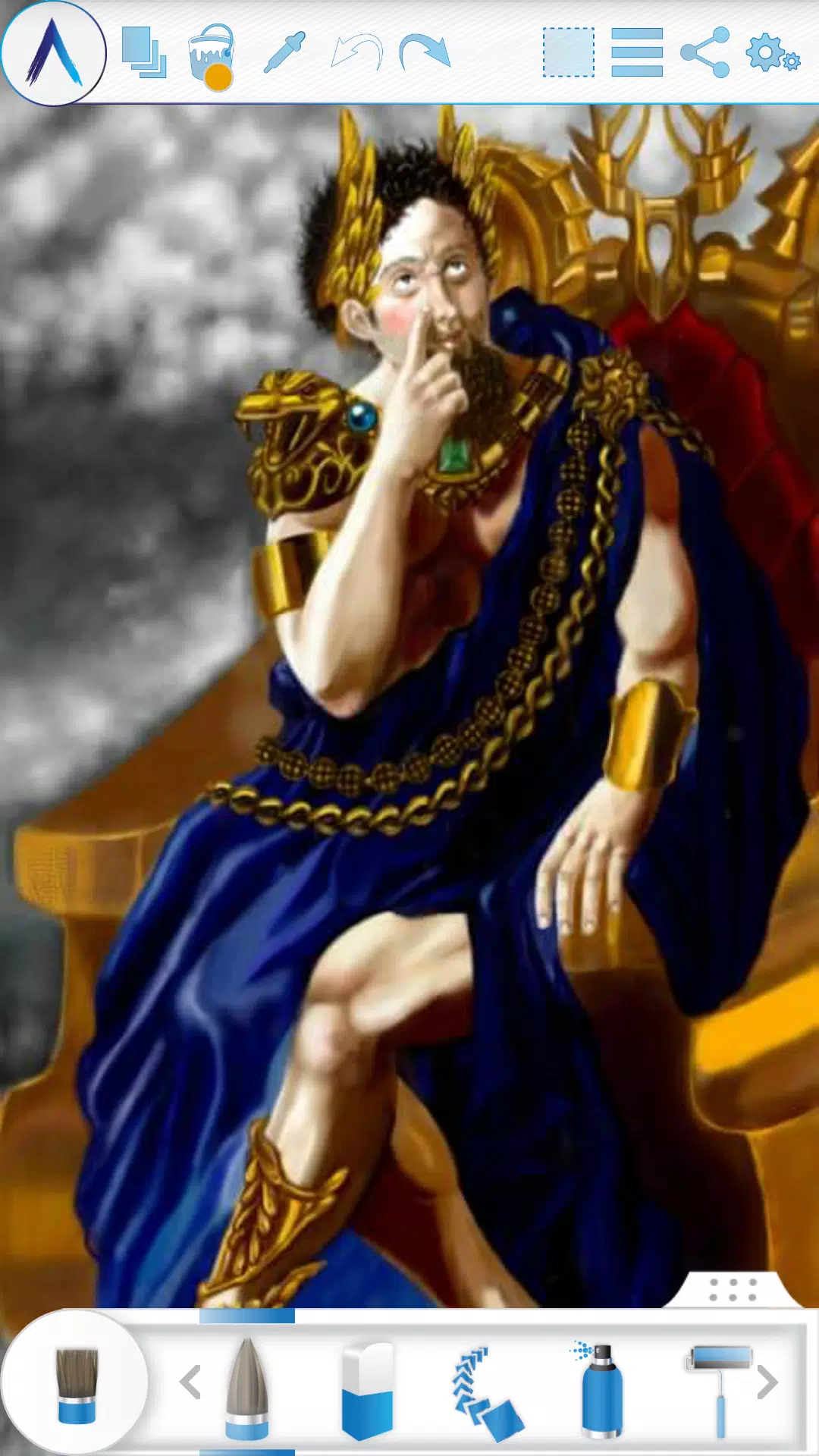
Artecture lets you sketch, draw, and paint like never before. Whether you're a beginner or a seasoned artist, Artecture provides every tool you'll love. Enjoy over 30 unique, high-quality, and realistic tools, all customizable to your style. You're going to love it. Created by art lovers for art lovers like you, it's simple, beautiful, and fun all at once. From taking notes and quick architectural sketches to cartoons, illustrations, watercolors, and oil paintings, you can do it all. It feels incredibly real. And the best part? It's completely free—no ads and no download requests.
Get it now and discover the natural, authentic joy of drawing, painting, and sketching on a digital canvas.
Join the Artecture artist community on Facebook to learn more and share your work!
Facebook:
Page Name: Artecture Digital Art Community
Link: https://www.facebook.com/artecture.digiart
Main Features:
• All the drawing and painting tools you love, including Pencil for realistic sketches, Marker Pen, Oil Brush, Oil Blend brush, Oil Real brush, Water Color, Airbrush, Palette Knife with color mixing, Paint Roller, Paint Tube, Eraser, Flood Fill, Glitter Tube, Far brush, Gradient Brush, Fill Pattern for Every Tool, and more.
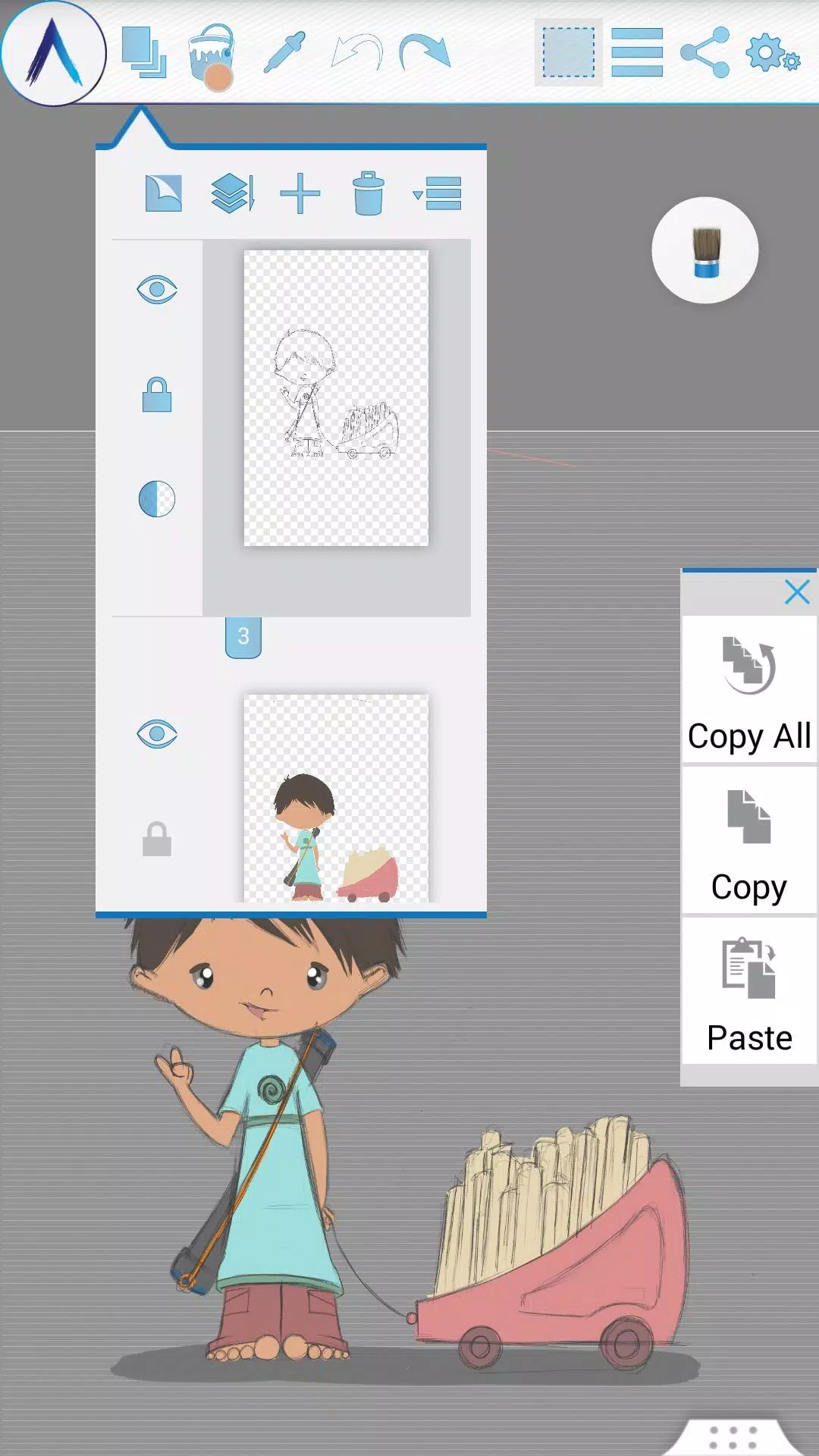
• Multi-Layer support with options to create, remove, lock, adjust visibility and opacity, reorder, merge, and more.
• Apply different image effects to selected layers like Sepia, Inverse, Blur, Gray, Bright, and Colorize.
• Symmetry modes: Vertical, Horizontal, and Concentric with customizable center points.
• Tracing with automatic color pick, Template Coloring, and the ability to Import/Export Images.
• Draw Geometric Shapes: Freehand, Line, Rectangle, and Circle.
• Pen-Only mode with palm rejection.
• Canvas rotation.
• Multi-Touch shortcuts.
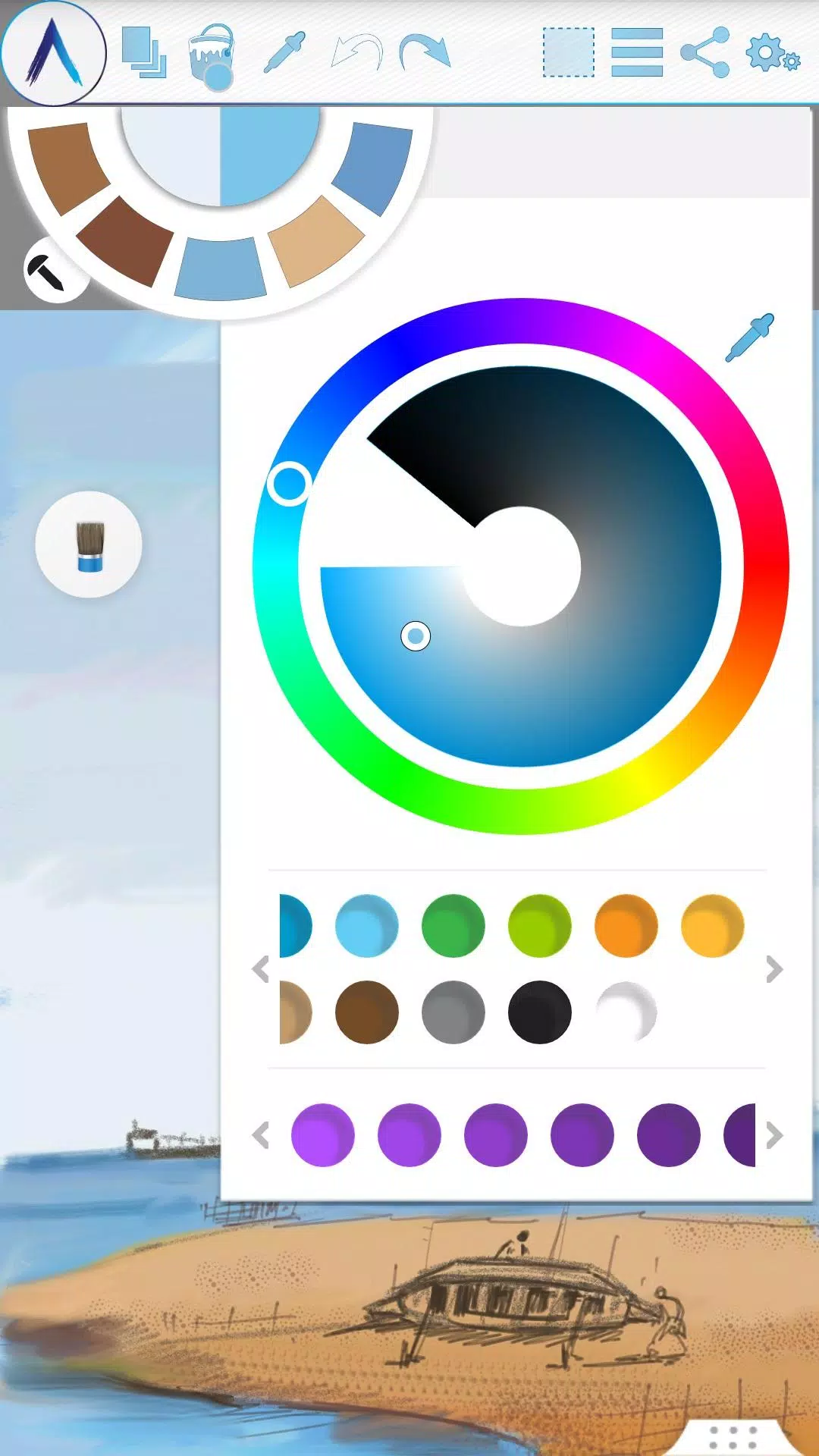
• Color Palette with default favorites and a color picker.
• Floating favorite Color and Tool Palettes.
• Rectangular and Freehand selection tools.
• Copy, Paste, Rotate, and mirror selected areas.
• Text Insertion with options to insert, resize, rotate, and mirror.
• Export your artwork to standard image formats (.jpeg, .png, .bmp).
• Auto-save for all your projects.
• Open your last drawing with all tool preferences intact.
• Static backgrounds using Texture, Color, or an Image.
• Tool presets for quick access.
Storage:
• By default, artworks are saved in the “Artecture” folder on your device's storage in the .bme file format, which can only be opened/viewed by the Artecture Gallery. You can also export to the .bmp image format. To reuse a .bmp file, simply insert it using the insert option.
• You have the option to change the default storage location. The Gallery can detect .bme artworks from any selected folder on your device's storage.
Sharing:
• Upload artworks directly to Facebook & PenUp from the canvas or gallery.
• Share artworks via Bluetooth and Wi-Fi Direct.
• Email, send, or save artworks and exported images via MMS, email, ShareIt, and other apps installed on your device.
Help & Support:
A quick reference guide is available to cover the basics of the app.
Need help? Feel free to email us at: [email protected]
Specialty:
• This advanced digital painting tool is completely free.
• Enjoy an uninterrupted experience with zero advertisements—our app is completely ad-free.
The Artecture screenshots feature artworks from students and professors of the Fine Art department at Dhaka University. We thank them for allowing us to share their work.
Special thanks to Mr. Gar Cia for permitting us to include his artwork as a screenshot.
Permissions:
The following permissions are required for app functionality.
Required permissions
Storage: Used to save your drawing files.
Optional permissions
None
### What's New in the Latest Version 5.2.0.4
Last updated on Feb 8, 2019
Version Number: 5.2.0.4
• Fixed the “Permission required” issue for non-Samsung devices.
• Fixed crashes and issues preventing saving.
Version Number: 5.2.0.2
• Added dynamic permission handling.
• Various bug fixes.
Version Number: 5.1.2.0
• Auto Save: Your progress is now automatically saved at regular intervals.
• Bug Fix: Minor bug fixes implemented.
スクリーンショット
 レビュー
コメントを投稿する+
最新のアプリ
もっと+
レビュー
コメントを投稿する+
最新のアプリ
もっと+
-
 Memes con Frases para WhatsApp
おしゃれな生活 丨 6.90M
 ダウンロード
-
 Soum - سوم
買い物 丨 79.00M
ダウンロード
-
 Código de Defesa do Consumidor
ニュースと雑誌 丨 3.40M
ダウンロード
-
 GROHE Sense
おしゃれな生活 丨 18.80M
ダウンロード
-
 Dunia Terbalik WA Sticker
通信 丨 5.43M
ダウンロード
-
 SeaArt
アートデザイン 丨 94.9 MB
ダウンロード
同様の推奨事項
もっと+
トップニュース
もっと+
-
 RobloxカスタムPC Tycoon:最新のコード(2025年1月)
Jan 27,2025
-
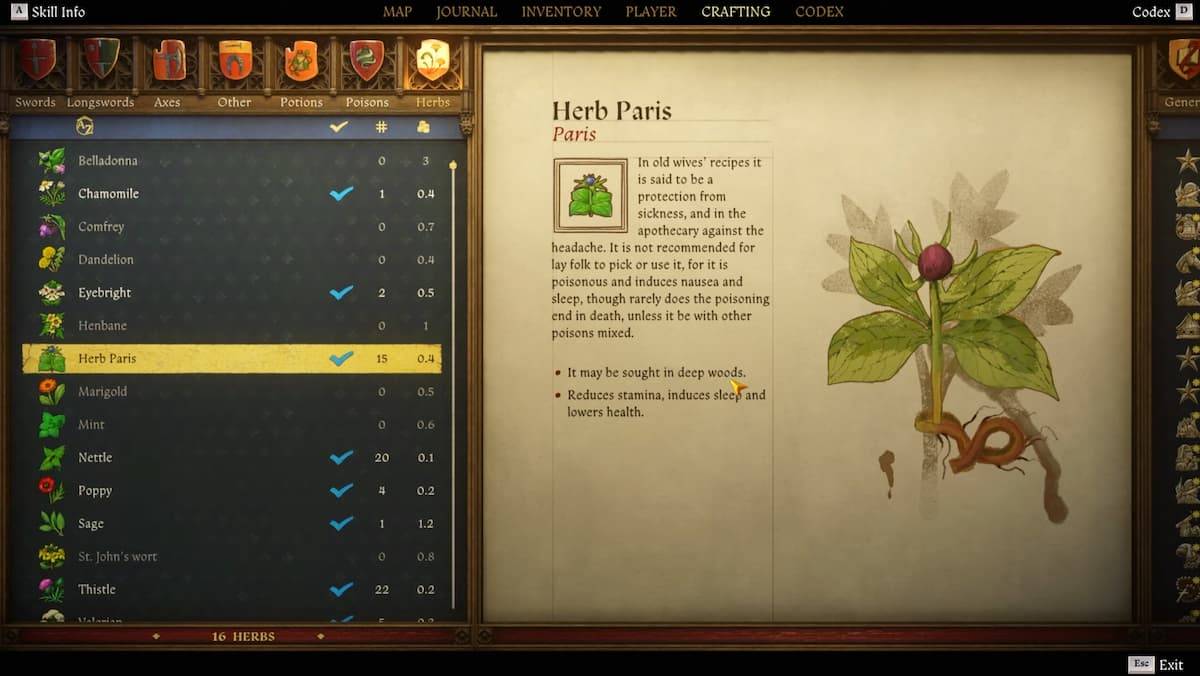 🌿隠された宝物を発見:キングダムでハーブパリを見つけるための秘密を解き放つ2
Feb 21,2025
-
 Pokémon Sleep: Clefairy は良い睡眠の日に安らかな眠りをもたらします!
Dec 18,2024
-
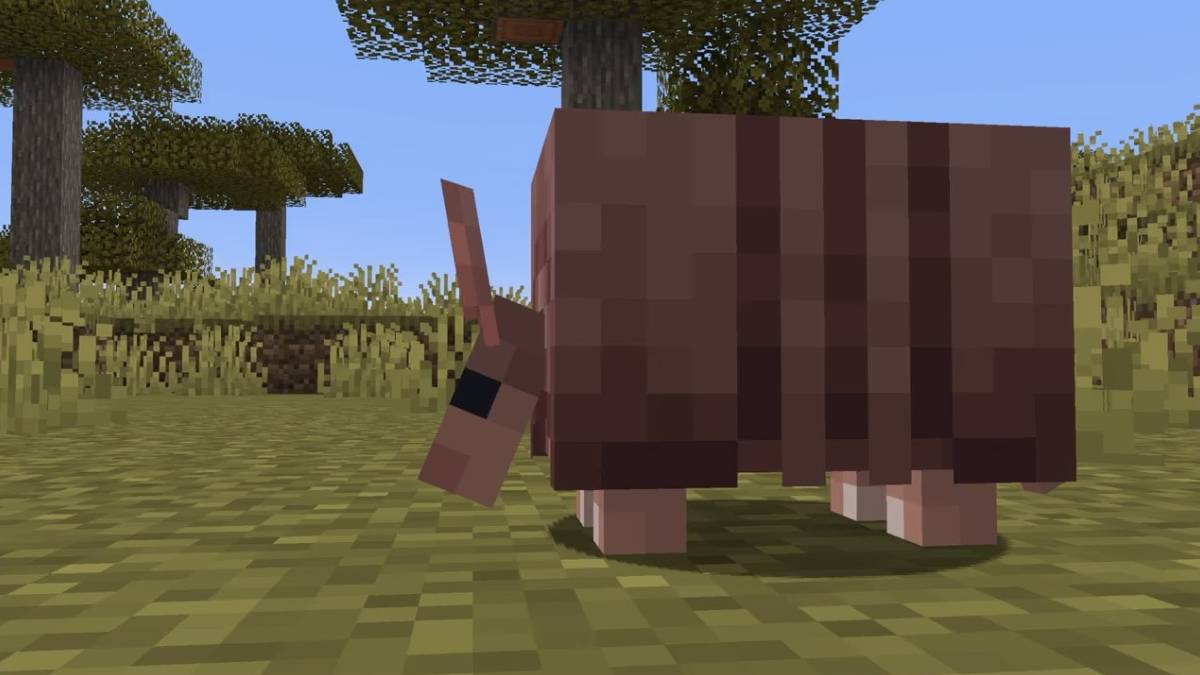 MinecraftでArmadillo Scutesを入手する方法
Apr 16,2025
トピック
もっと+
Trending apps
もっと+
-
1
Radar Donostia3.8 MB
ドノスティア - サン セバスティアンのモバイル レーダーの場所 今日のドノスティア - サン セバスティアンのどこにモバイル速度レーダーがあるかをすぐに調べます。 レーダーが設置される道路の詳細、またはその日にレーダーが使用されないかどうかの詳細を毎日通知します。
-
2

zFont 3 - Emoji & Font Changer10.13 MB
zFont 3 プレミアム APK でパーソナライズされたテキストの力を解き放ちましょう! モバイルデバイス上の同じ古いフォントにうんざりしていませんか? zFont 3 プレミアム APK は、モバイル テキストのカスタマイズに対する革新的なアプローチを提供し、デジタル コミュニケーションを変革するフォントとスタイル オプションの膨大なライブラリを提供します。 これ
-
3

Webブラウザ&ファストエクスプローラ10.00M
Web ブラウザ: 安全かつ高速な Android ブラウザ Web ブラウザは、速度、セキュリティ、プライバシーを重視した、高く評価されている Android モバイル ブラウザです。 携帯電話やタブレット向けに最適化されており、高速で軽量なブラウジング エクスペリエンスを提供します。 マルチタブのブラウジングはシームレスであり、開いているページの喪失を防ぎます
-
4

کلینیک فوق تخصصی کاشت مو و ابر6.50M
Hair and Cloud Specialist Clinicの発見:元イラニールのフットボールチームのメンバーが率いるイランの最高の髪と眉移植クリニックは、比類のない専門知識を提供します。 25年以上の経験と公式のロレアルフランス証明書を誇っているこのクリニックでは、100%の髪が成長することを保証します
-
5

AZ Beacons24.87M
スマートフォンや近くのデバイス向けの究極の Bluetooth 接続ソリューションである AZ Beacons を使用して、日々のテクノロジー関連のやり取りを効率化します。 この革新的なアプリはデバイスのペアリングを簡素化し、簡単な接続管理のためのユーザーフレンドリーなインターフェイスを提供します。 高速で安定した接続をお楽しみください
-
6
Salão na Mão29.9 MB
最高評価の美容とウェルネスのサービスと製品をオンラインで見つけてください。 比類のない美容と健康サービス マニキュアやペディキュアからヘアスタイリング、ボディトリートメント、スキンケア、タトゥー、スパデイ、高度なエステティック手順まで、あらゆるサービスをご提供いたします。地域を選択するだけでアクセスできます
51.3 MB
ダウンロード1.4 MB
ダウンロード74.7 MB
ダウンロード29.8 MB
ダウンロード105.0 MB
ダウンロード108.8 MB
ダウンロード