

Artecture
Category:Art & Design Developer:Samsung R&D Institute Bangladesh
Size:25.9 MBRate:5.0
OS:Android 4.1+Updated:Jul 24,2026

 Download
  Application Description
Experience sketching, drawing, and painting in a whole new way with Artecture.
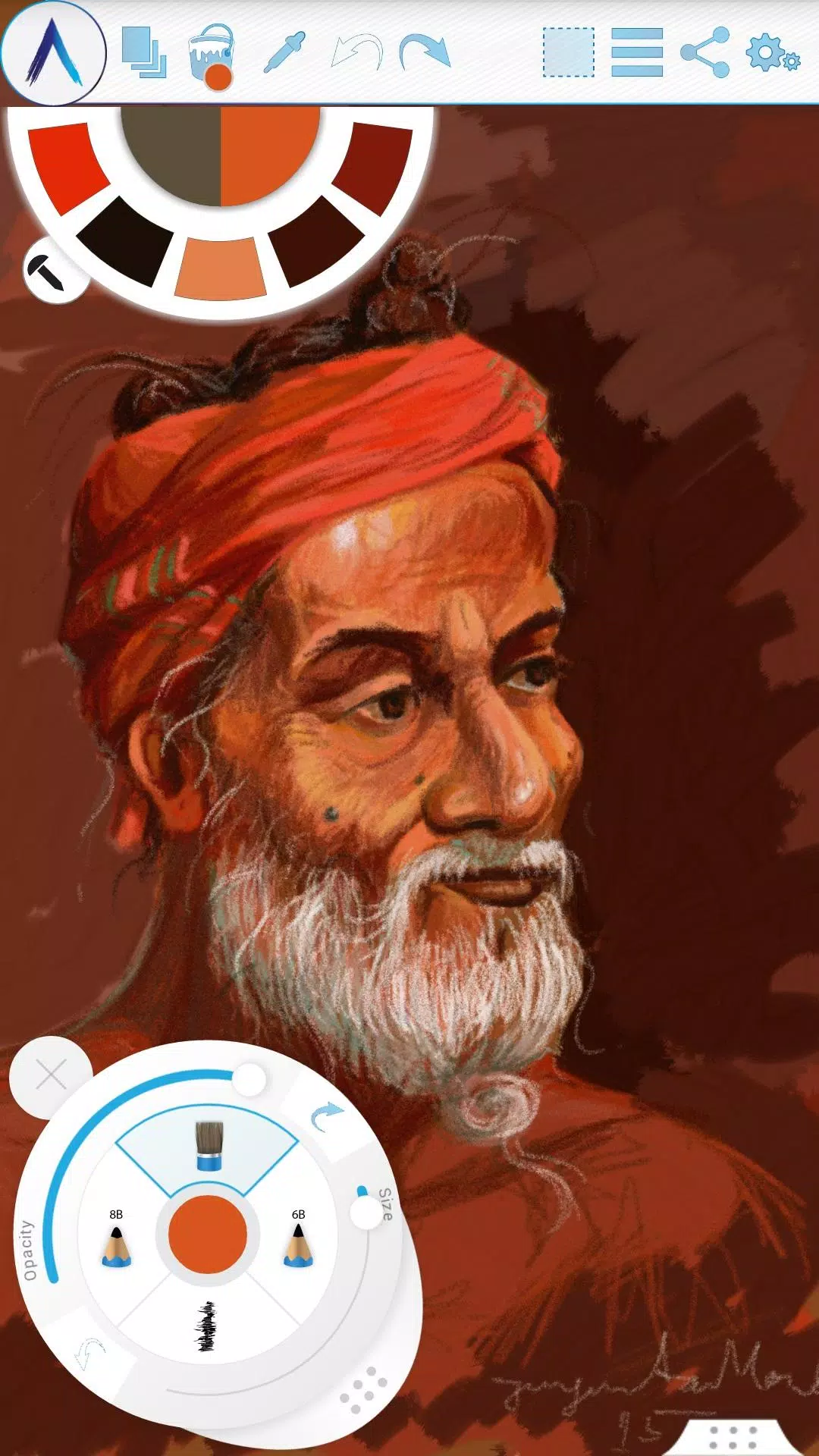
Artecture lets you sketch, draw, and paint like never before. Whether you're a beginner or a seasoned artist, Artecture provides every tool you'll love. Enjoy over 30 unique, high-quality, and realistic tools, all customizable to your style. You're going to love it. Created by art lovers for art lovers like you, it's simple, beautiful, and fun all at once. From taking notes and quick architectural sketches to cartoons, illustrations, watercolors, and oil paintings, you can do it all. It feels incredibly real. And the best part? It's completely free—no ads and no download requests.
Get it now and discover the natural, authentic joy of drawing, painting, and sketching on a digital canvas.
Join the Artecture artist community on Facebook to learn more and share your work!
Facebook:
Page Name: Artecture Digital Art Community
Link: https://www.facebook.com/artecture.digiart
Main Features:
• All the drawing and painting tools you love, including Pencil for realistic sketches, Marker Pen, Oil Brush, Oil Blend brush, Oil Real brush, Water Color, Airbrush, Palette Knife with color mixing, Paint Roller, Paint Tube, Eraser, Flood Fill, Glitter Tube, Far brush, Gradient Brush, Fill Pattern for Every Tool, and more.
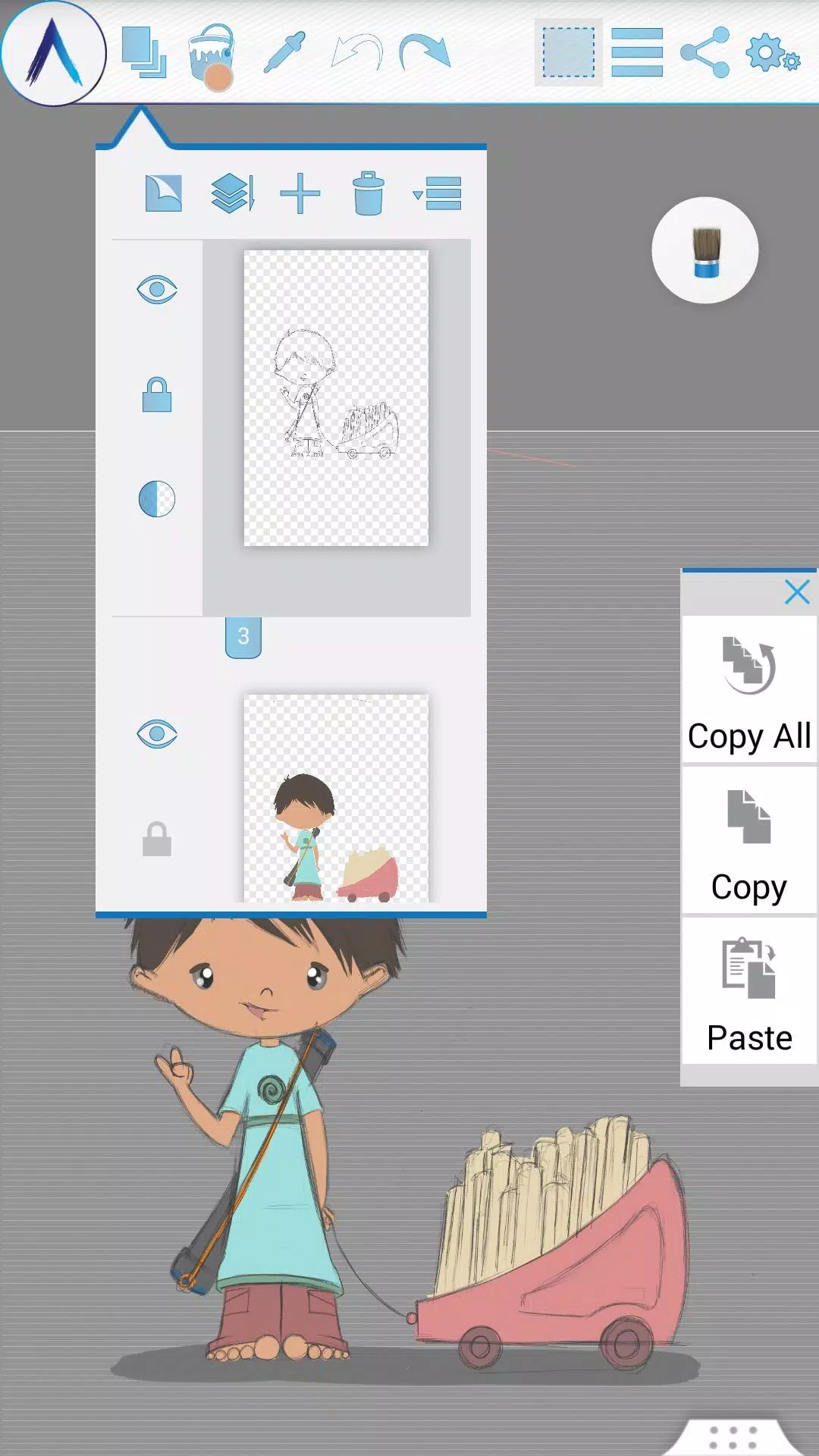
• Multi-Layer support with options to create, remove, lock, adjust visibility and opacity, reorder, merge, and more.
• Apply different image effects to selected layers like Sepia, Inverse, Blur, Gray, Bright, and Colorize.
• Symmetry modes: Vertical, Horizontal, and Concentric with customizable center points.
• Tracing with automatic color pick, Template Coloring, and the ability to Import/Export Images.
• Draw Geometric Shapes: Freehand, Line, Rectangle, and Circle.
• Pen-Only mode with palm rejection.
• Canvas rotation.
• Multi-Touch shortcuts.
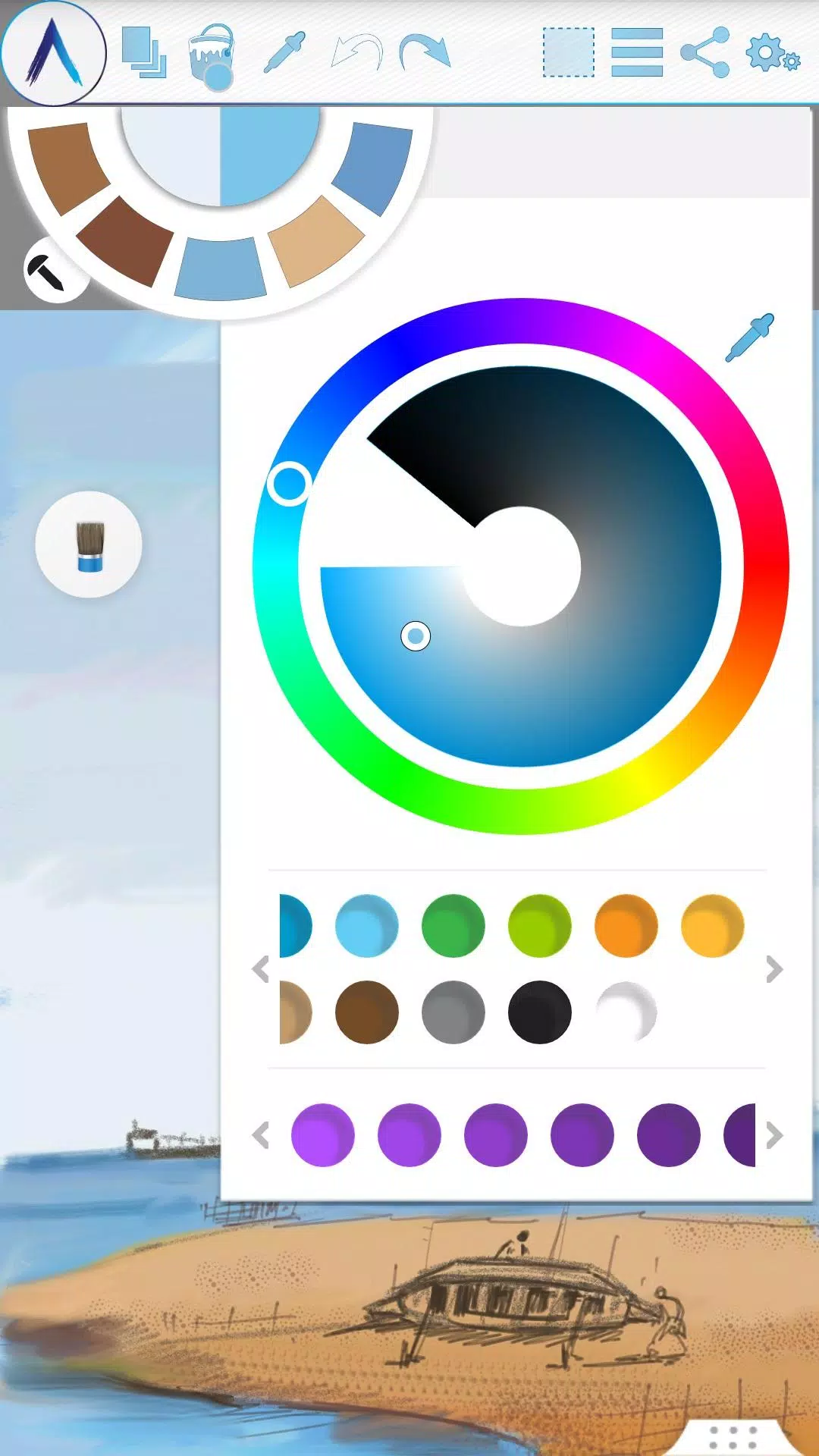
• Color Palette with default favorites and a color picker.
• Floating favorite Color and Tool Palettes.
• Rectangular and Freehand selection tools.
• Copy, Paste, Rotate, and mirror selected areas.
• Text Insertion with options to insert, resize, rotate, and mirror.
• Export your artwork to standard image formats (.jpeg, .png, .bmp).
• Auto-save for all your projects.
• Open your last drawing with all tool preferences intact.
• Static backgrounds using Texture, Color, or an Image.
• Tool presets for quick access.
Storage:
• By default, artworks are saved in the “Artecture” folder on your device's storage in the .bme file format, which can only be opened/viewed by the Artecture Gallery. You can also export to the .bmp image format. To reuse a .bmp file, simply insert it using the insert option.
• You have the option to change the default storage location. The Gallery can detect .bme artworks from any selected folder on your device's storage.
Sharing:
• Upload artworks directly to Facebook & PenUp from the canvas or gallery.
• Share artworks via Bluetooth and Wi-Fi Direct.
• Email, send, or save artworks and exported images via MMS, email, ShareIt, and other apps installed on your device.
Help & Support:
A quick reference guide is available to cover the basics of the app.
Need help? Feel free to email us at: [email protected]
Specialty:
• This advanced digital painting tool is completely free.
• Enjoy an uninterrupted experience with zero advertisements—our app is completely ad-free.
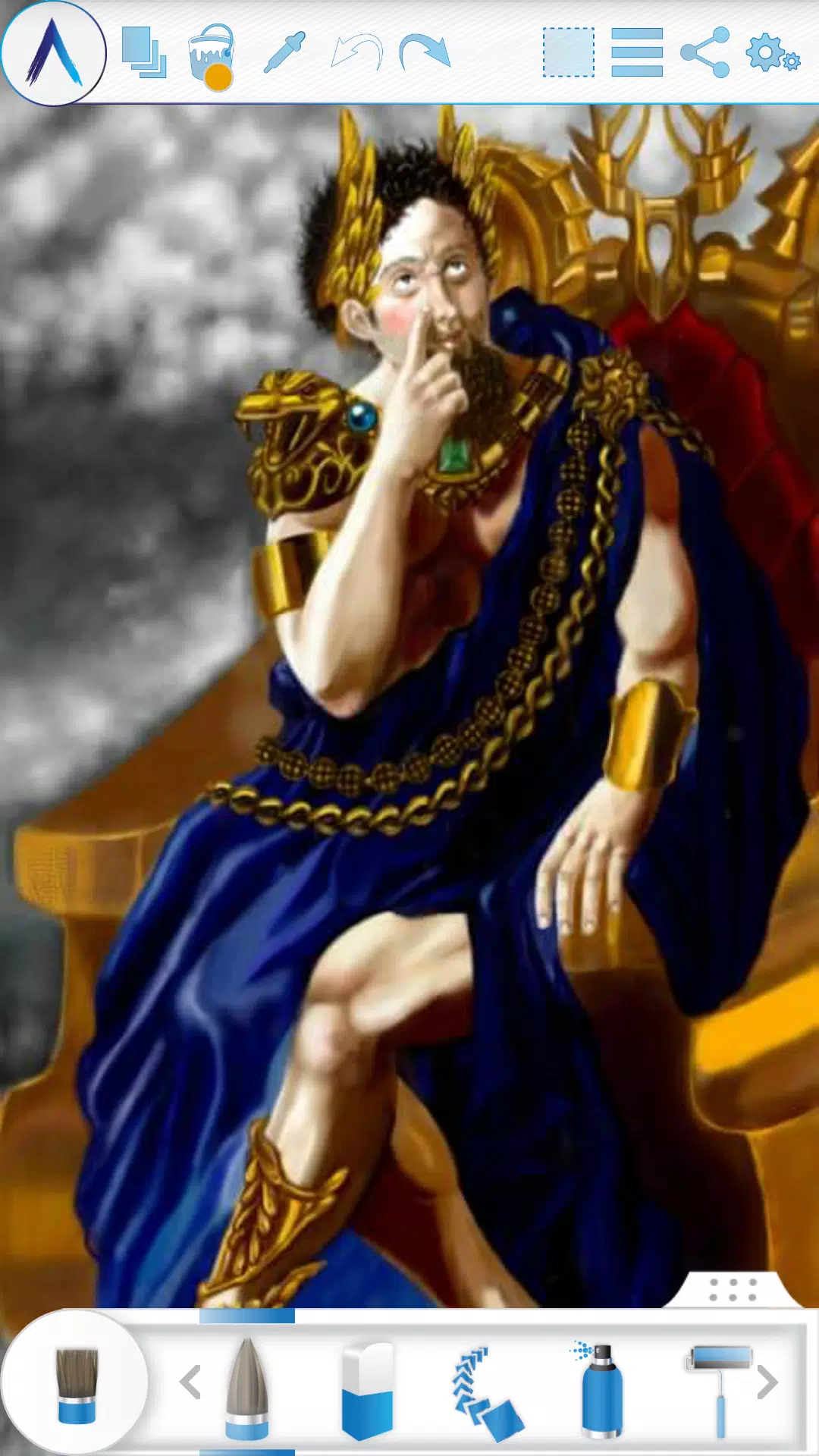
The Artecture screenshots feature artworks from students and professors of the Fine Art department at Dhaka University. We thank them for allowing us to share their work.
Special thanks to Mr. Gar Cia for permitting us to include his artwork as a screenshot.
Permissions:
The following permissions are required for app functionality.
Required permissions
Storage: Used to save your drawing files.
Optional permissions
None
What's New in the Latest Version 5.2.0.4
Last updated on Feb 8, 2019
Version Number: 5.2.0.4
• Fixed the “Permission required” issue for non-Samsung devices.
• Fixed crashes and issues preventing saving.
Version Number: 5.2.0.2
• Added dynamic permission handling.
• Various bug fixes.
Version Number: 5.1.2.0
• Auto Save: Your progress is now automatically saved at regular intervals.
• Bug Fix: Minor bug fixes implemented.
Screenshot
 Reviews
Post Comments+
Latest Apps
MORE+
Reviews
Post Comments+
Latest Apps
MORE+
-
 Memes con Frases para WhatsApp
Lifestyle 丨 6.90M
 Download
-
 Soum - سوم
Shopping 丨 79.00M
Download
-
 Código de Defesa do Consumidor
News & Magazines 丨 3.40M
Download
-
 GROHE Sense
Lifestyle 丨 18.80M
Download
-
 Dunia Terbalik WA Sticker
Communication 丨 5.43M
Download
-
 SeaArt
Art & Design 丨 94.9 MB
Download
Similar recommendations
MORE+
Top News
MORE+

-
-
-
-
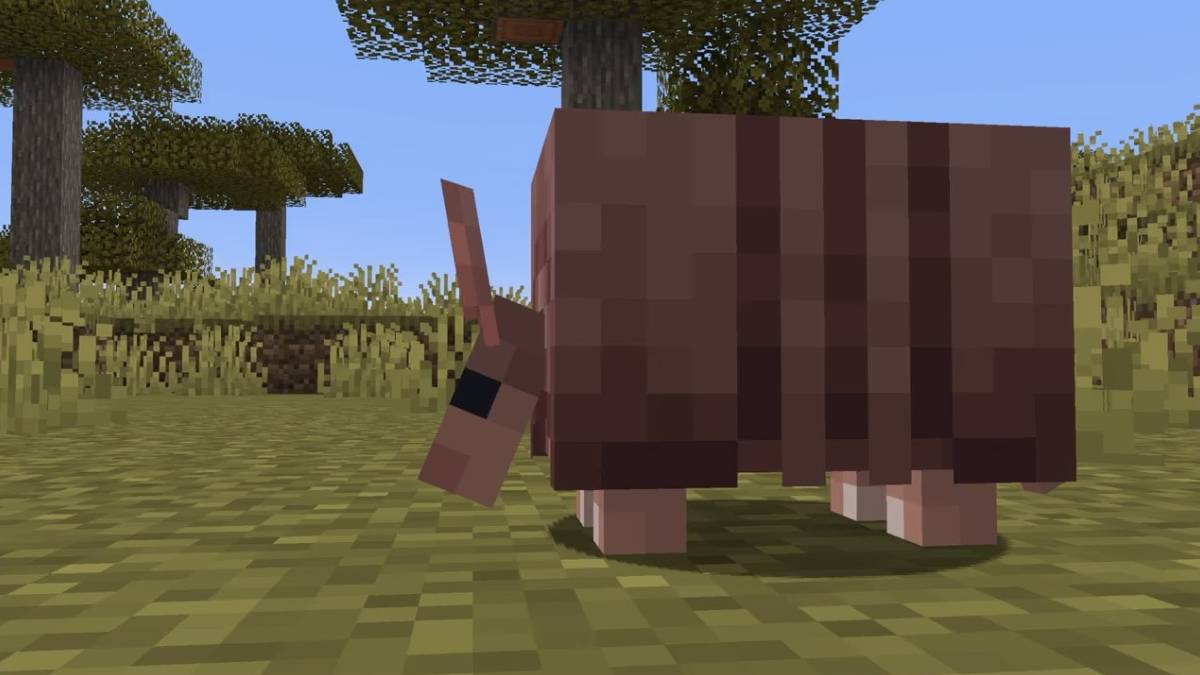 How to Obtain Armadillo Scutes in Minecraft
Apr 16,2025
Topics
MORE+
Trending apps
MORE+
-
1
Radar Donostia3.8 MB
Donostia-San Sebastián Mobile Radar Locations Quickly find out where the mobile speed radar will be in Donostia-San Sebastián today. Get a daily notification detailing the streets where the radar will be deployed, or if it won't be in use that day.
-
2

zFont 3 - Emoji & Font Changer10.13 MB
Unlock the Power of Personalized Text with zFont 3 Premium APK! Tired of the same old fonts on your mobile device? zFont 3 Premium APK offers a revolutionary approach to mobile text customization, providing a vast library of fonts and stylistic options to transform your digital communication. This
-
3

Web Browser & Fast Explorer10.00M
Web Browser: A Secure and Speedy Android Browser Web Browser is a highly-regarded Android mobile browser prioritizing speed, security, and privacy. Optimized for phones and tablets, it delivers a fast, lightweight browsing experience. Multi-tab browsing is seamless, preventing the loss of open pag
-
4

کلینیک فوق تخصصی کاشت مو و ابر6.50M
Discover کلینیک فوق تخصصی کاشت مو و ابر: A premier hair and eyebrow transplant clinic in Iran, led by a former Iranian national football team member, offers unparalleled expertise. Boasting over 25 years of experience and official L'OREAL France certification, this clinic guarantees 100% hair grow
-
5
AZ Beacons24.87M
Streamline your daily tech interactions with AZ Beacons, the ultimate Bluetooth connectivity solution for smartphones and nearby devices. This innovative app simplifies device pairing, offering a user-friendly interface for effortless connection management. Enjoy quick, stable connections regardle
-
6
Salão na Mão29.9 MB
Discover top-rated beauty and wellness services and products online. Unparalleled Beauty and Wellbeing Services From manicures and pedicures to hair styling, body treatments, skincare, tattoos, spa days, and advanced aesthetic procedures – we've got you covered! Simply select your region to access t
51.3 MB
Download1.4 MB
Download74.7 MB
Download29.8 MB
Download105.0 MB
Download108.8 MB
Download