Path of Exile 2's Hideout: Your Customizable Sanctuary
In Path of Exile 2, your Hideout serves as a personalized base camp, offering respite between perilous adventures. It's more than just a resting place; it's a fully functional hub with masters and vendors, completely customizable to your preferences. This guide details how to unlock and personalize your Hideout.
Also read: Enhance your PoE2 builds with skill gems.
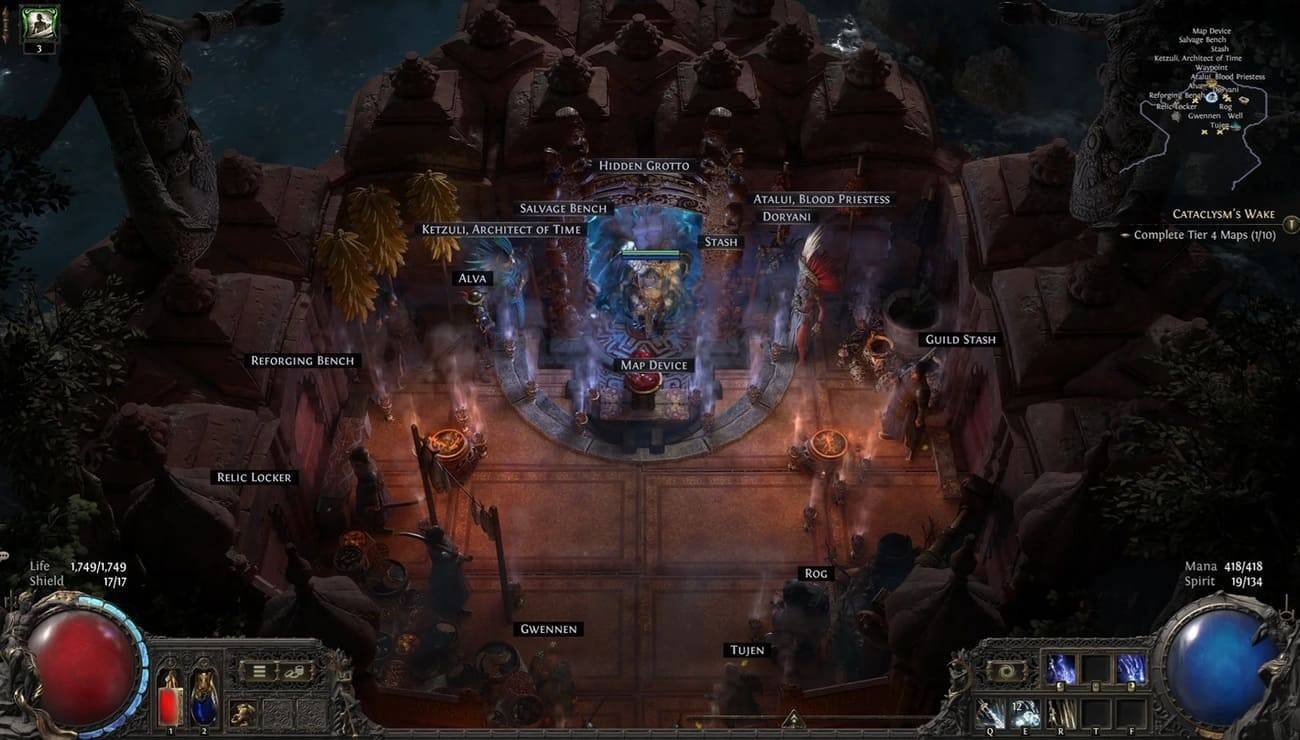 Image: reddit.com
Table of Contents
- Unlocking Your Hideout
- Hideout Types
- Hideout Customization
Unlocking Your Hideout in Path of Exile 2
Gaining access to your Hideout requires completing several steps:
- Complete Act III twice – once on Normal and once on Hard difficulty.
- Unlock the Atlas of Worlds by defeating Act III's final boss and speaking with Doryani.
- Locate a map featuring the Hideout symbol within the Atlas of Worlds.
- Eliminate all monsters in the designated map area.
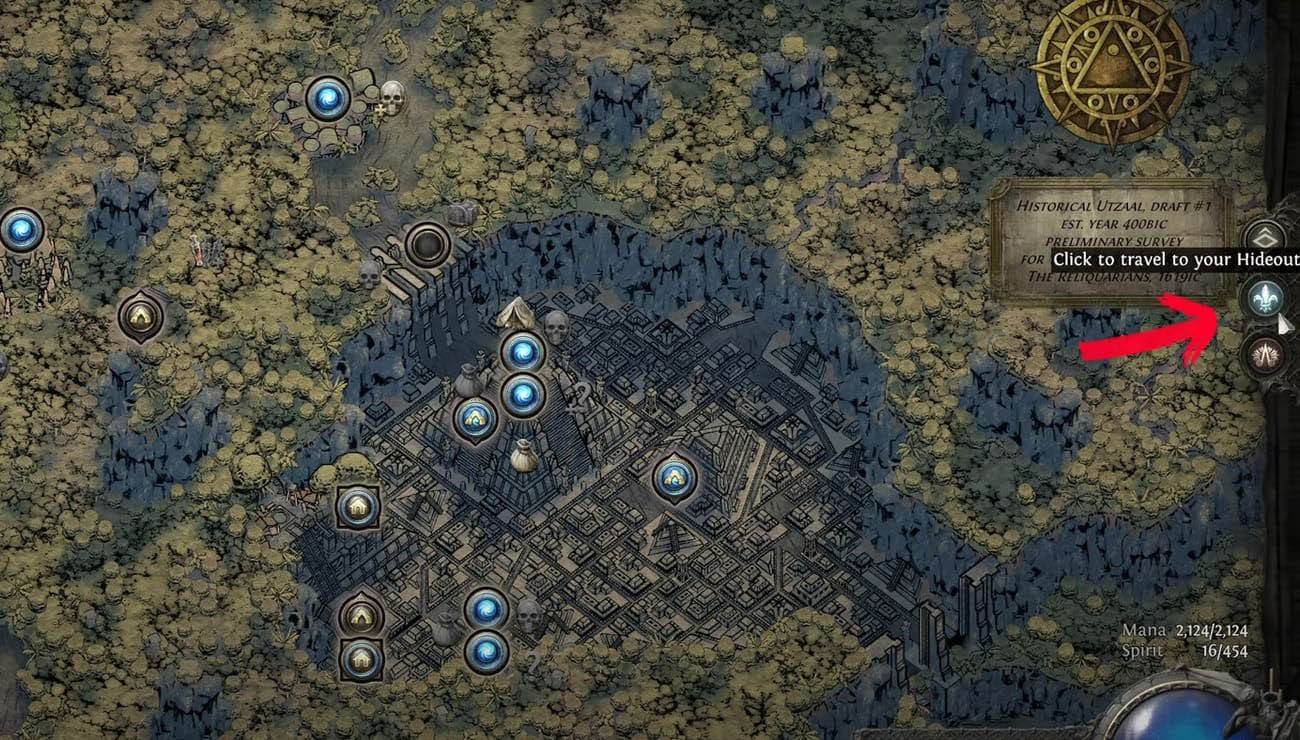 Image: ensigame.com
Access your Hideout via the waypoint menu (Fleur-de-lis symbol) or by typing /hideout in the game chat.
Hideout Types
Initially, you'll have one Hideout type. Discovering additional Hideout maps within the Atlas of Worlds unlocks more options. There are four in total: Felled, Limestone, Shrine, and Canal. Switch between them by interacting with Alva.
Hideout Customization
Personalize your Hideout by arranging objects and NPCs, rotating items, adding decorations, and replacing existing ones. Import and export designs to share with others! Strategically position essential NPCs like Doryani (item identification), Ketzuli (disenchanting), and Alva (currency exchange) near the entrance for convenience. Don't forget Stashes and a Waypoint! Remember, aesthetics matter, as other players might visit.
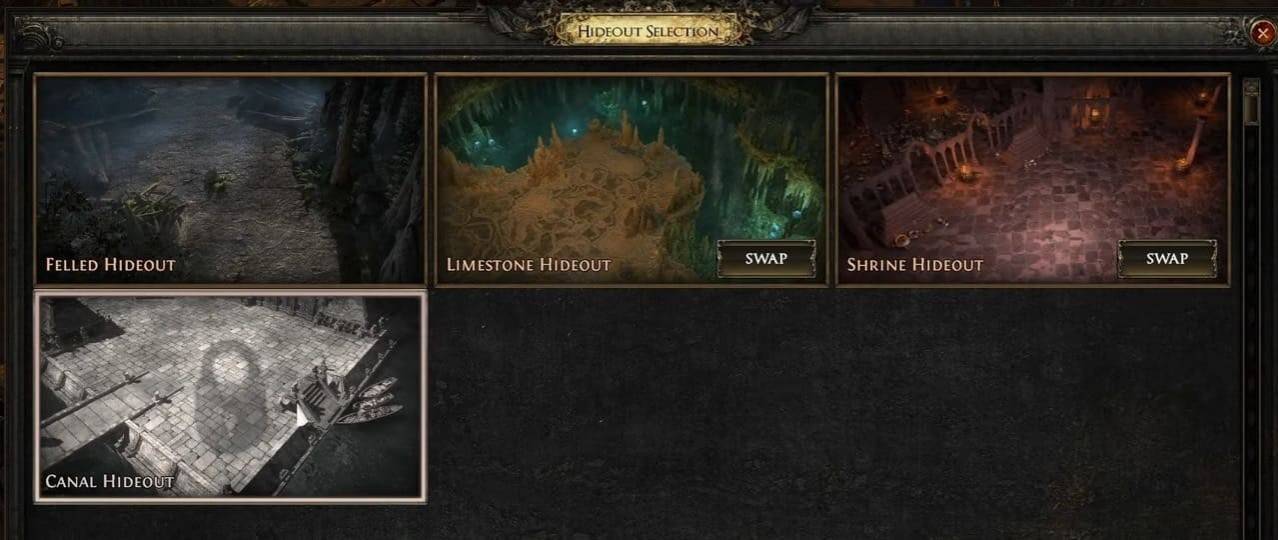 Image: youtube.com
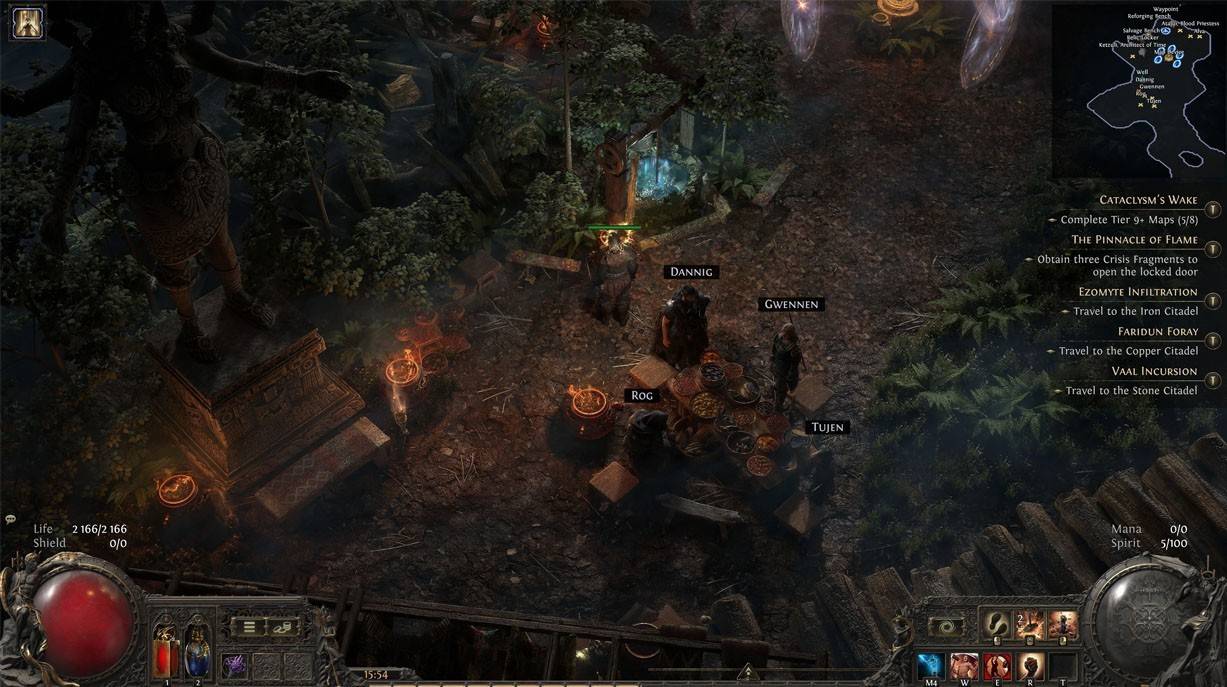 Image: reddit.com
This guide provides a comprehensive overview of unlocking and customizing your Hideout in PoE2. Enjoy creating your personalized sanctuary within Wraeclast!
 Latest Downloads
 Downlaod




 Top News