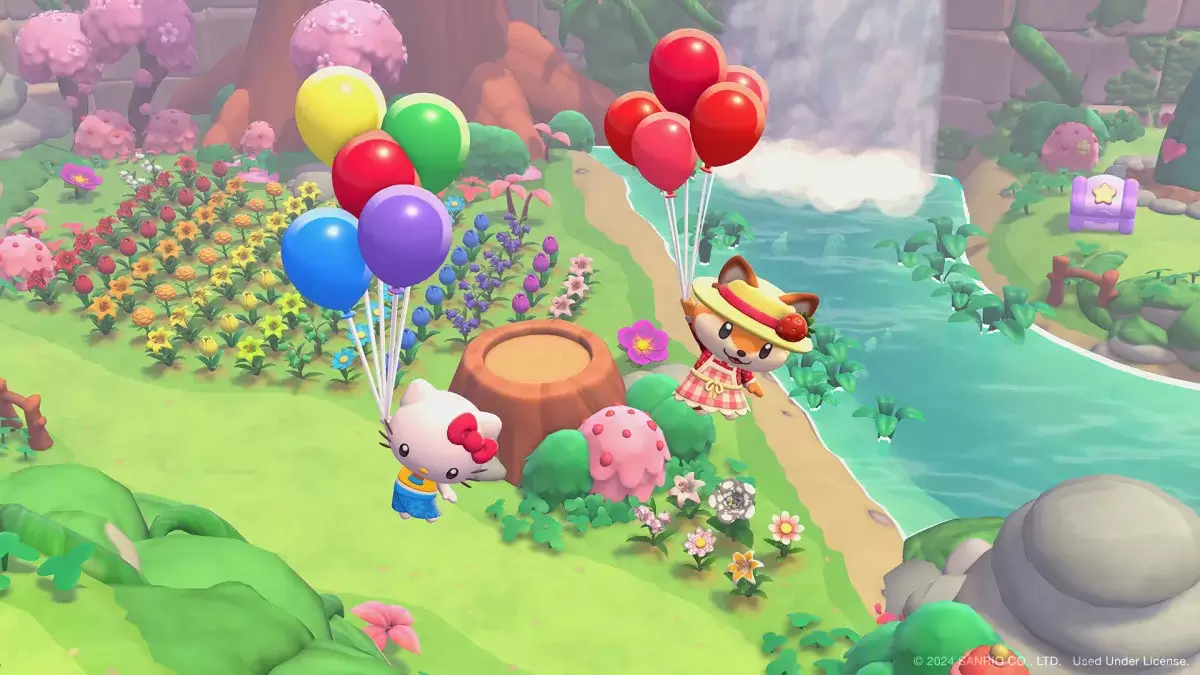
*Hello Kitty Island Adventure* draws inspiration from *Animal Crossing*, inviting players to an island where they can engage in various activities to develop and enhance their surroundings. However, not all tasks can be completed in a single day. Understanding the daily and weekly reset times is crucial for planning your island adventures effectively.
When Do Daily Resets Occur in Hello Kitty Island Adventure?
| Time Zone | Reset Time |
| PST | 11 AM |
| MST | 12 AM |
| CST | 1 AM |
| EST | 2 AM |
| GMT | 7 AM |
| CET | 8 AM |
| JST | 4 PM |
| AEDT | 6 PM |
As indicated in the table, daily resets in *Hello Kitty Island Adventure* occur at the same time every day, regardless of where you are in the world. When the reset happens, you'll see several changes in the game. Daily quests will refresh, presenting new challenges and opportunities to earn rewards. Resources will also respawn, giving you the chance to explore your island and gather various materials.
Another significant change following a daily reset is the ability to give gifts to NPCs. Gifting is a fantastic way to quickly build friendships in *Hello Kitty Island Adventure*, but there's a daily limit of three gifts per NPC. Once the daily reset occurs, you can start anew, fostering stronger relationships.
When Do Weekly Resets Occur in Hello Kitty Island Adventure?
| Time Zone | Reset Time |
| PST | Sunday at 11 AM |
| MST | Monday at 12 AM |
| CST | Monday at 1 AM |
| EST | Monday at 2 AM |
| GMT | Monday at 7 AM |
| CET | Monday at 8 AM |
| JST | Monday at 4 PM |
| AEDT | Monday at 6 PM |
Weekly resets in *Hello Kitty Island Adventure* mirror the daily resets, but they happen just once a week. All the same changes occur, but a key highlight at the start of a new week is the introduction of new weekly quests. These quests are more complex and engaging than the daily ones.
One of the weekly quests involves finding Tophat Gudetama for Pochacco. This character can appear at different locations across the island, and the rewards you receive depend on where you find him.
How To Time Travel in Hello Kitty Island Adventure
While many players enjoy the gradual process of building friendships and collecting resources, others might want to expedite their progress. For those playing on the Nintendo Switch, here’s how to time travel in *Hello Kitty Island Adventure*:
- Go to the Switch’s settings by clicking the gear icon.
- Navigate to System Settings, then System, and then Date and Time.
- Turn off the “Synchronize Clock to the Internet” setting.
- Adjust to your desired date and time and save the changes.
- Open *Hello Kitty Island Adventure*.
However, it's important to be aware that time-traveling can lead to issues within the game. Players have reported problems with multiplayer functionality and the timing of in-game events. Therefore, if you choose to manipulate time to speed things up, be prepared for potential disruptions.
And those are the daily and weekly reset times for *Hello Kitty Island Adventure*.
*Hello Kitty Island Adventure is available now on PC and Nintendo Switch.*
 Latest Downloads
 Downlaod




 Top News