Echocalypse has been generating buzz recently with its global launch. This anime-inspired turn-based RPG blends gacha mechanics with city-building elements, letting you build a roster of your favorite characters. Showcasing an all-star female cast adorned in charming kimonos, Echocalypse is celebrating its worldwide release with a series of in-game events. Dive in to earn generous rewards and give your account a powerful head start. You can download Echocalypse for free from the Google Play Store and iOS App Store.
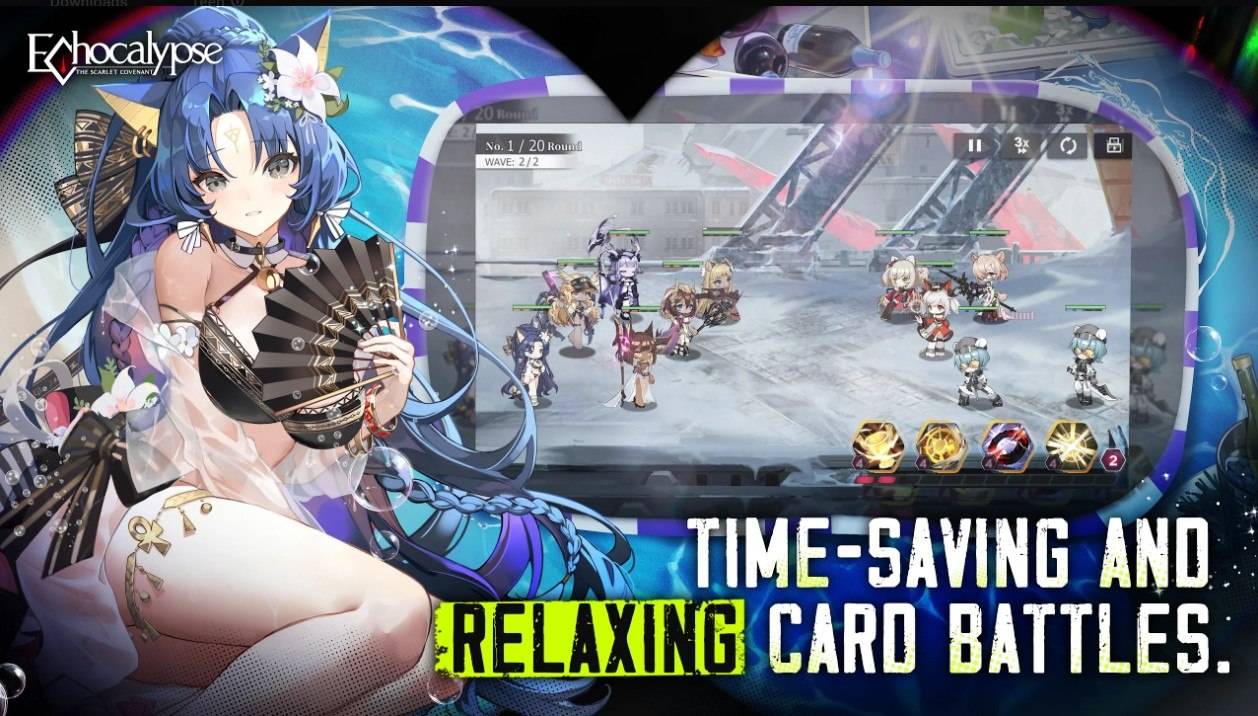
With BlueStacks' Eco Mode, you can conserve your computer's RAM for other tasks. This is easily done by reducing the frame rate of the instance running Echocalypse. Locate the "Speedometer" icon in the BlueStacks toolbar on the right side of the emulator. A single click lets you activate or deactivate this tool, and you can adjust the FPS for a specific instance or all of them at once.
The Best Graphical Settings for your Comfort
BlueStacks enables you to experience Echocalypse with superior visual settings. You can play at peak FPS and maximum resolution without suffering from lag or frame drops, thanks to the High FPS and High-Definition features.
To maximize your frame rate, navigate to BlueStacks settings -> Performance -> and enable High frame rate. For your preferred resolution, go to BlueStacks settings -> Display -> and experiment with the resolution and pixel density options to achieve the perfect visual quality.
 Latest Downloads
 Downlaod




 Top News